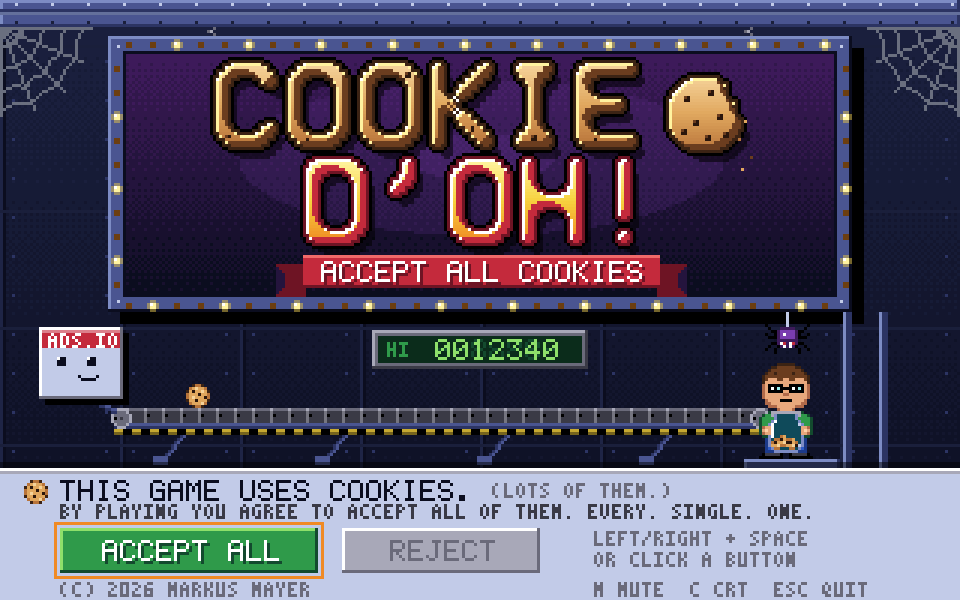
Cookie D'oh!
A C64/Amiga-era arcade game about accepting every cookie the Internet throws at you. A complete game on the toolkit, native and web from the same code.
- Keyboard play
- Gamepad / touch supported
The toolkit
Small, focused Rust crates for 2D and 3D game jams.
v0.11.3 EUPL-1.2
Implement init, update and render, and ship. A batched 2D painter (sprites, shapes, text, tilemaps, optional vello vectors) and instanced, depth-tested 3D meshes draw into the same frame, so a 3D scene gets a 2D HUD for free. Native and the browser from the same code.
[dependencies]
game-toolkit = "0.11"
Play
Built for the browser from v0.11.3. Click into a running demo for keyboard input.
Features
Sprites, SDF shapes, glyphon text and atlas tilemaps through one Painter; instanced meshes with depth testing under it. Draw order is the order you call.
wgpu on WebGPU with a WebGL2 fallback, WebAudio, the Gamepad API and touch. Assets preload from a manifest so loading stays synchronous.
kira playback that degrades to muted without a device, plus synthie chiptune music and effects behind the synth feature.
Core, gfx, input, audio, assets, Aseprite, ECS, egui overlays and GPU compute are separate crates behind one umbrella and its features.
cargo generate a 2D or 3D starter with assets, a web build and an agent guide to the whole API already in place.
WGSL kernels over a grid, ping-pong storage buffers, a readback ring that never blocks, storage textures you draw like sprites, and a submitter that keeps simulations off the frame. Behind the compute feature.
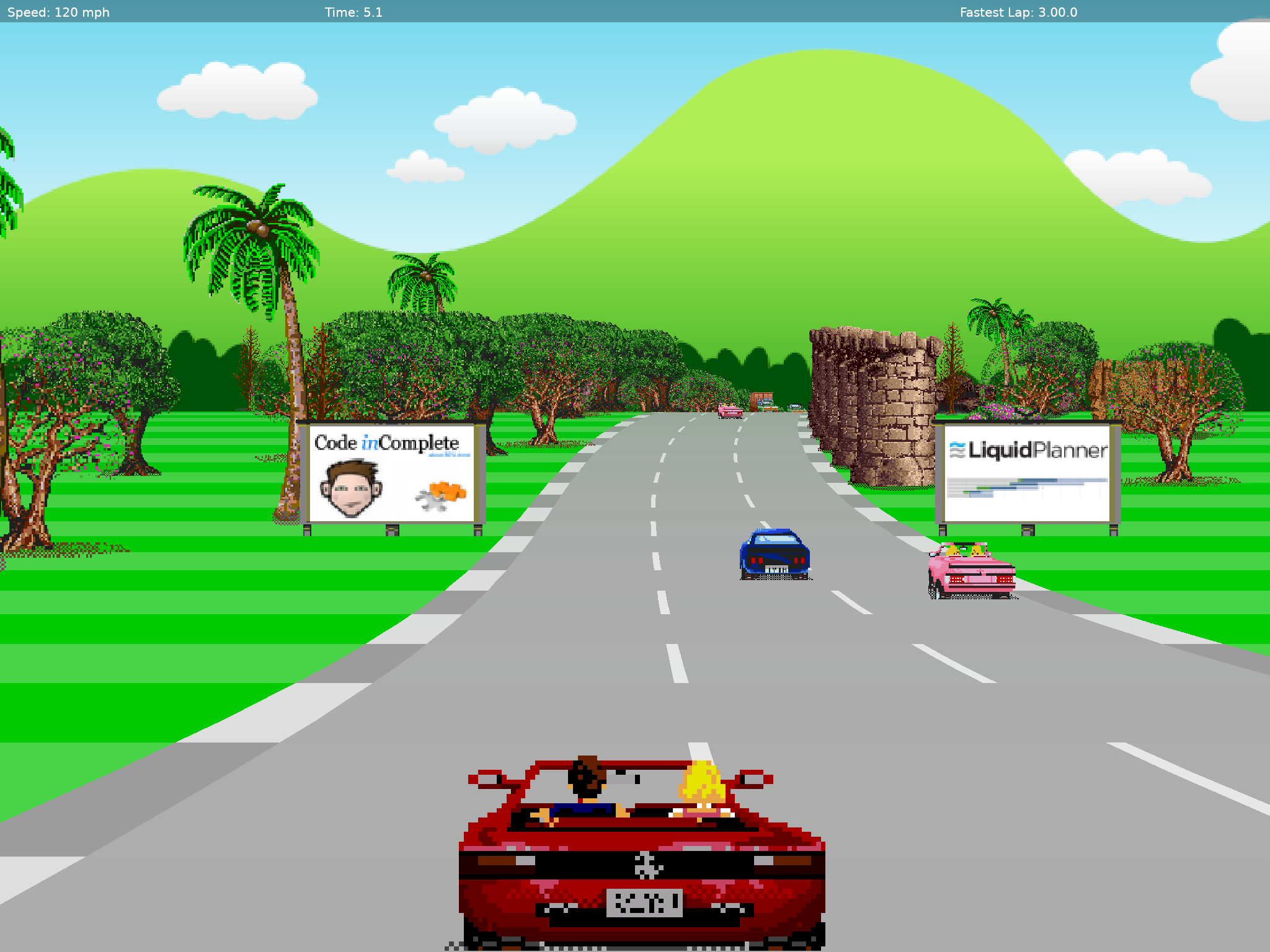
Virtual resolutions, a CRT filter, custom WGSL effects and indexed colour with palette cycling, for the retro look without fighting the GPU.
Code
use game_toolkit::prelude::*;

struct Game1;

impl Game for Game1 {
    fn init(_ctx: &mut Context) -> Result<Self> {
        Ok(Self)
    }

    fn update(&mut self, ctx: &mut Context, _dt: f32) {
        if ctx.input.key_pressed(Key::Escape) {
            ctx.quit();
        }
    }

    fn render(&mut self, ctx: &mut Context, frame: &mut Frame) {
        let mut p = frame.painter(&mut ctx.gfx);
        p.clear([0.1, 0.1, 0.15, 1.0]);
        p.text([24.0, 24.0], "hello, jam", 28.0, [1.0, 1.0, 1.0, 1.0]);
    }
}

fn main() -> Result<()> {
    run::<Game1>(AppConfig {
        title: "my-jam".into(),
        width: 800,
        height: 600,
        ..Default::default()
    })
}
More