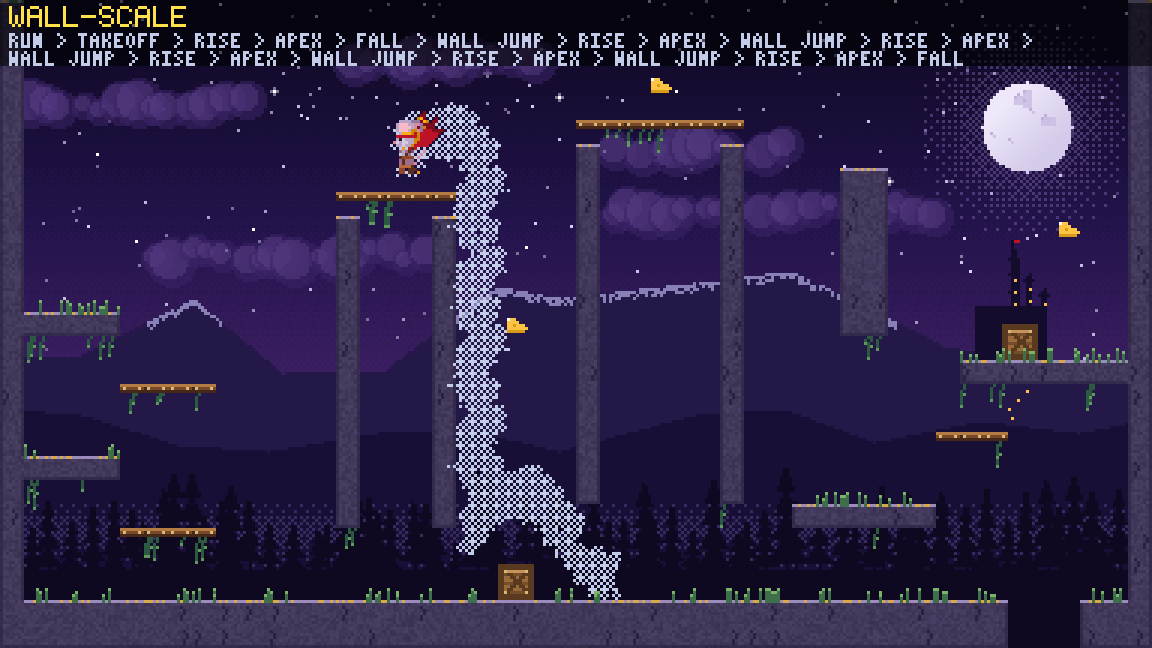
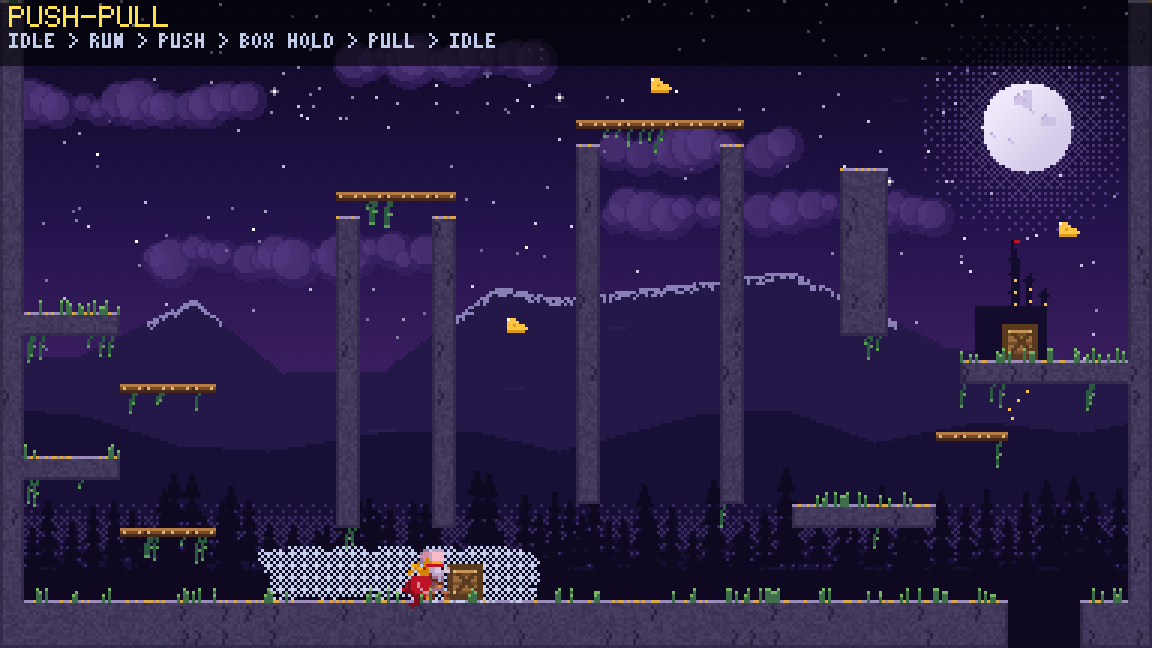
Moonlit level
The test bench: the Cheesed heroine in a moonlit level, every move and every preset, with a debug overlay.
How it’s made: the whole program →- Arrows move
- F2 cycle presets
- Gamepad supported
Add-on
A platforming controller that feels good, and the animation that shows it.
v0.1.0 EUPL-1.2
Fluid, snappy movement with presets tuned toward Celeste, Hollow Knight, Silksong and Super Meat Boy: jump buffer, coyote time, wall jumps, dashes, climbing, rolls. An animation state graph follows every decision without ever holding one up. Pick a preset, feed it input, draw what it tells you.
[dependencies]
game-toolkit = "0.10"
game-toolkit-platformer = "0.1"
Play
Built for the browser from v0.1.0. Click into a running demo for keyboard input.
Features
Precise, Snappy, Drifter, Momentum and Hybrid, each with its own control scheme for keyboard and gamepad. Then tune any number.
Jump buffer, coyote time, variable height, apex hangtime, corner correction and a heavier fall.
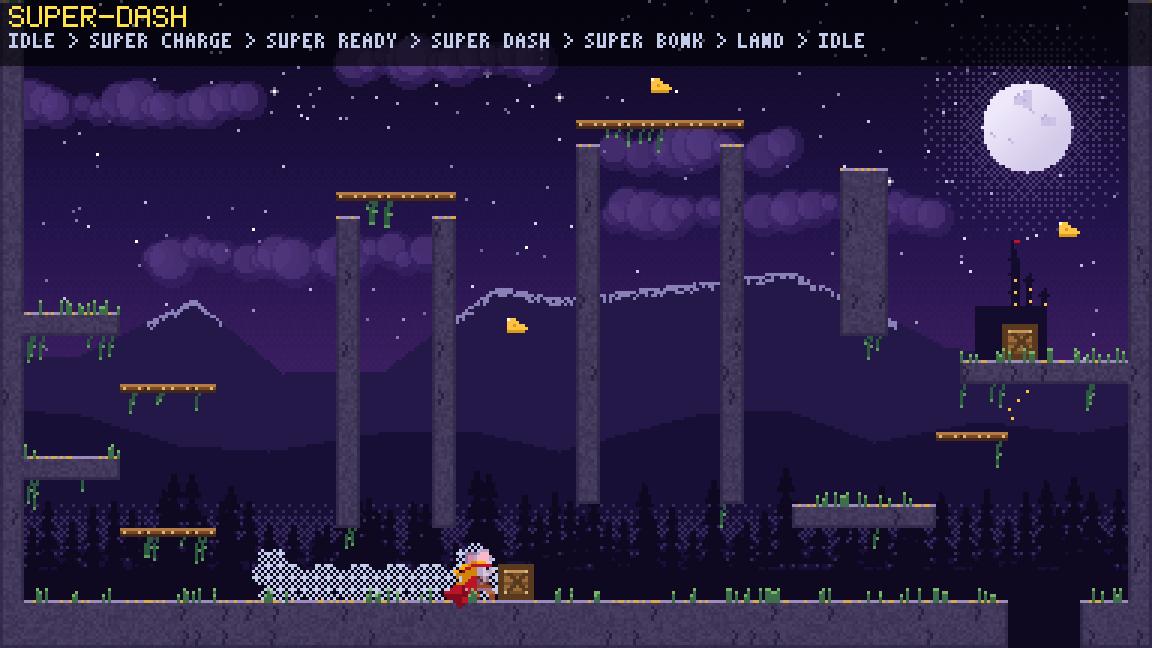
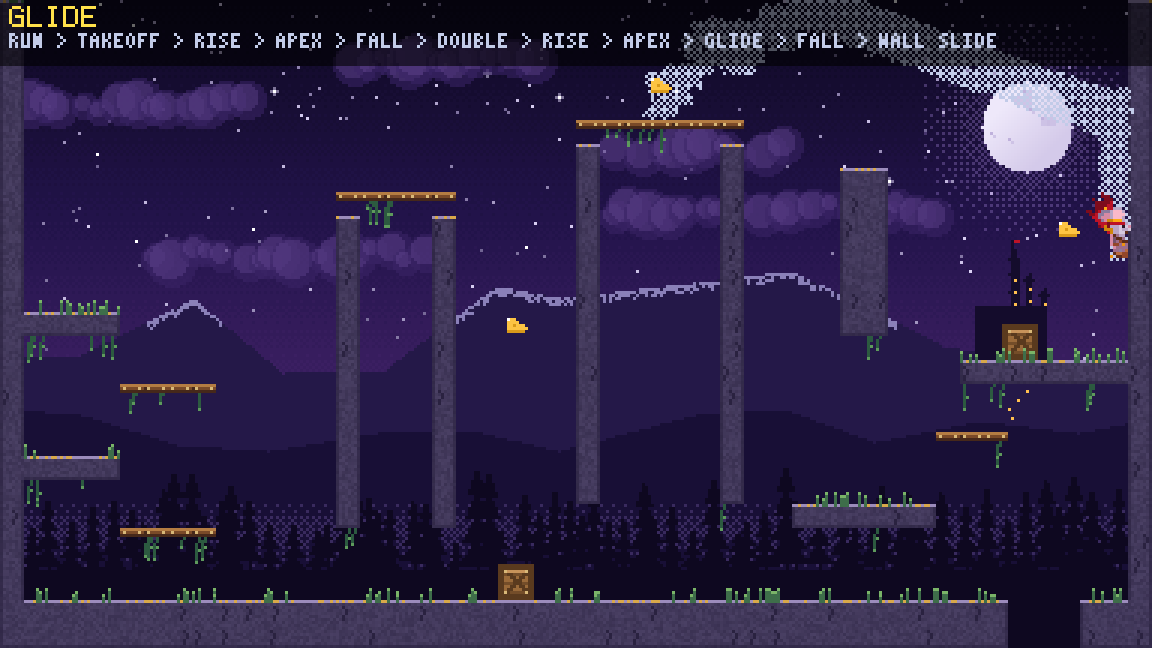
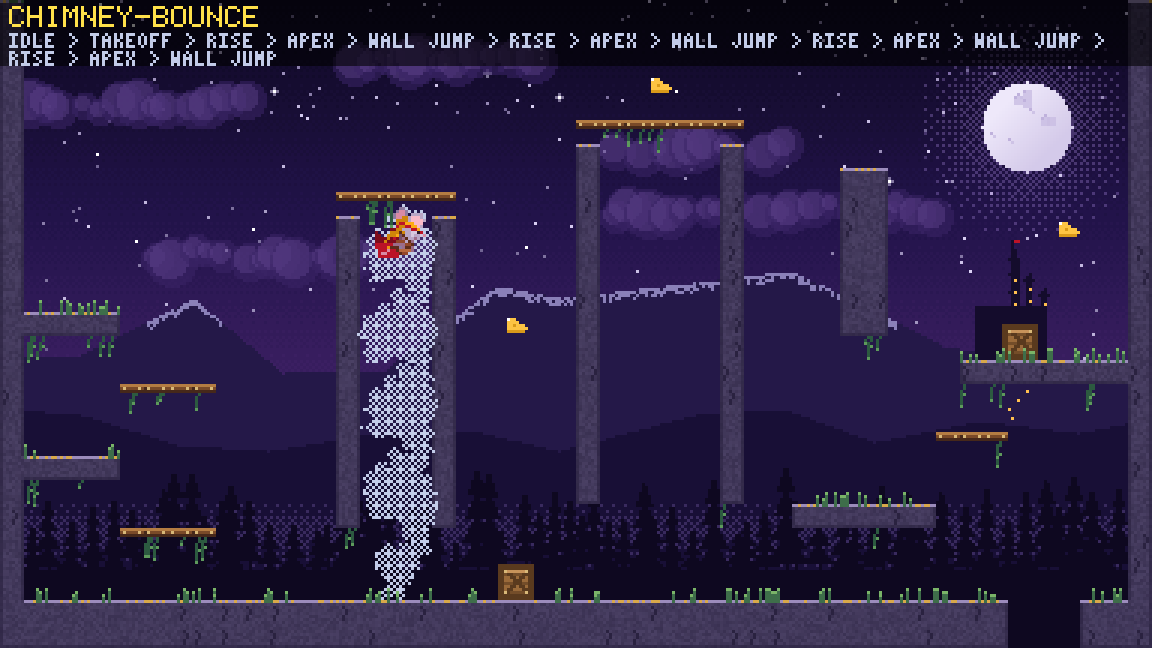
Double jumps, glides, 8-way dashes, dives, wall slides and stick-aimed wall jumps, climbing with stamina, rolls, a charged super dash.
A state graph that follows the movement and never delays it. Layers you can tune, replace or use on their own.
Code
use game_toolkit::prelude::*;
use game_toolkit_platformer::prelude::*;

struct MyGame {
    level: Level,
    hero: Platformer,
}

impl Game for MyGame {
    fn init(_ctx: &mut Context) -> Result<Self> {
        let level = Level::demo();
        let hero = Platformer::on(&level, Preset::Precise);
        Ok(Self { level, hero })
    }

    fn update(&mut self, ctx: &mut Context, dt: f32) {
        self.hero.update(&ctx.input, &mut self.level, dt);
        for event in self.hero.drain_events() {
            if let Event::Landed { drop, .. } = event {
                if drop > 48 { /* a thud, some dust */ }
            }
        }
    }

    fn render(&mut self, ctx: &mut Context, frame: &mut Frame) {
        let mut p = frame.painter(&mut ctx.gfx);
        p.clear([0.05, 0.04, 0.12, 1.0]);
        self.level.draw_debug(&mut p, [0.0, 0.0], 3.0);
        self.hero.draw_debug(&mut p, [0.0, 0.0], 3.0);
    }
}
Gallery
More